Home Inventory After an Insurance Claim: Rebuild the Record Without Recreating Paper Clutter
ProtocolQuick picks
| Product | Key Specs |
|---|---|
| See price on Amazon |
|
| See price on Amazon |
|
Product availability, certifications, and retailer details can change; check the current Amazon page before buying.
After an insurance claim, replacement purchases often arrive faster than the recordkeeping system. Receipts sit in bags, serial numbers stay in photos, warranty emails disappear into inboxes, and a new stack of paperwork replaces the belongings that were lost.
The useful outcome is not a museum-grade catalog of every spoon. It is a compact record that lets you show what was replaced, find a warranty, and update future coverage without hunting through claim documents again.
Start with the claim anchor file
Create one folder named with the loss year and claim number. Keep these items together:
- The insurer’s claim number and primary contact details.
- Settlement and coverage correspondence.
- The adjuster estimate or item schedule, if provided.
- A running replacement list.
- Receipts for major replacements.
- Photos of model labels and serial numbers when available.
Use the same folder name in paper and digital form. For example, 2026 water claim 12345. That makes it possible to connect a printed letter to an email attachment without inventing a second filing system.
The National Association of Insurance Commissioners provides a Home Inventory app designed to record belongings, scan barcodes, and attach item photos (NAIC consumer learning resources). The post-claim version is especially valuable because the evidence is fresh and replacements can change the household’s insured value.
Keep one replacement list, not a pile of receipts
Use a simple spreadsheet, note, or table with five columns:
| Item | Room or use | Replacement date | Receipt location | Serial number or model |
|---|---|---|---|---|
| Washer | Laundry | 2026-07-21 | Claim folder / receipt 04 | Model label photo |
| Laptop | Home office | 2026-07-23 | Claim folder / receipt 07 | Serial number photo |
The list does not need every grocery purchase. Add items that would be hard to remember, difficult to replace, warranty-sensitive, or meaningful to insurance coverage: appliances, electronics, tools, furniture, specialty equipment, and major collections.
For each entry, link or note where the receipt lives. Do not paste receipt images into the spreadsheet if that makes the file slow and hard to back up. Store the image or PDF in the claim folder and use a stable file name such as 2026-07-21 washer receipt.pdf.
Photograph labels before boxes leave
Before recycling a box or installing an appliance, photograph the model and serial label. Take one wider photo that shows the item and one close photo of the label. Some labels are inside doors, under lids, or behind removable panels; find them before the item is pushed into place.
A serial number photo is more useful than a photo of packaging because it identifies the exact unit. It can also save time when registering a warranty or checking a recall. The Consumer Product Safety Commission offers recall lookup and registration information for consumer products (CPSC recalls); keep the manufacturer name and model where you can retrieve them.
Use a short paper-holding rule
Paper still has a role when an insurer, retailer, lender, or warranty administrator needs an original. Put those originals in one dated envelope inside the claim folder. Once a month, check whether a document can be scanned, filed as a permanent original, or discarded according to the relevant policy.
Do not buy an accordion file with dozens of speculative categories. The claim anchor file needs only a few sections: correspondence, receipts, warranties, and originals to keep. If a receipt has been scanned and no rule requires the paper, it does not need a separate drawer.
Update the future home inventory while the information is in hand
Once replacements are installed, add them to the ordinary home inventory by room. Include a photo, the approximate replacement cost, and the model or serial number. Keep the file in a location you can reach away from the home: an encrypted cloud account, a trusted external drive stored elsewhere, or both.
Do not assume a claim payment automatically updates coverage. Contact the insurer when major replacements or renovations change values, and ask what documentation they want retained. Coverage terms vary by policy and location.
Close the claim file without losing the useful record
When the insurer says the claim is closed, do not immediately merge every document into the household’s ordinary files. First export the final correspondence, confirm that each major replacement receipt opens, and compare the replacement list with the insurer’s last item schedule. Mark unresolved returns, backorders, warranty registrations, or depreciation questions instead of relying on memory.
Then separate the record into two layers. Keep the closed claim packet intact for the retention period your insurer, attorney, or tax professional recommends. Copy only the current-item facts—photo, model, serial number, purchase date, and approximate replacement cost—into the ordinary home inventory. This prevents claim correspondence from appearing every time you look up a warranty while preserving the historical evidence if a question returns.
Test the backup from a second device or account before discarding any duplicate paper. A file that exists only in a synchronized folder you have never reopened is not yet a verified backup.
Optional tools for the active paper stage
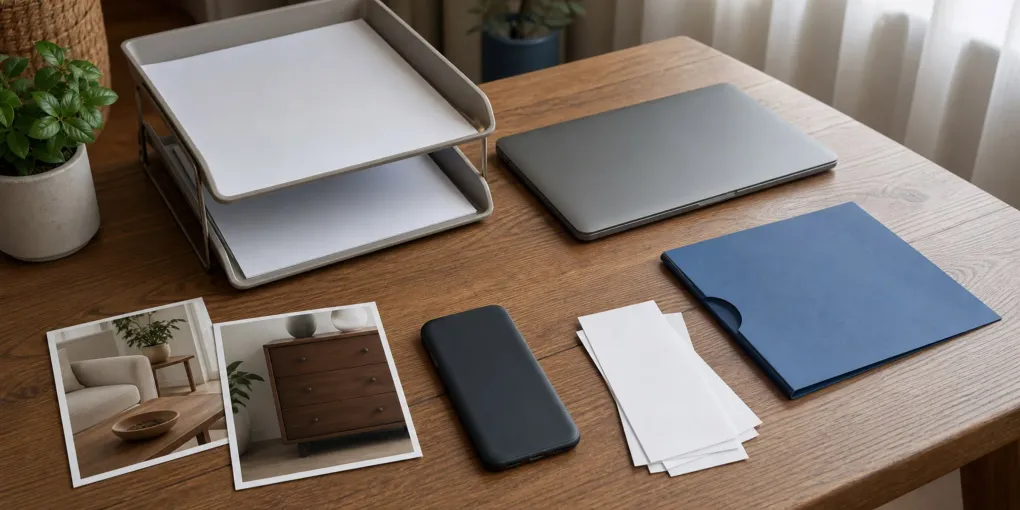
The claim anchor file should remain small enough to avoid furniture-sized storage. While replacements and returns are active, a MARBRASSE Mesh Desk Organizer with Drawer can separate correspondence from receipts; confirm its current configuration and see price on Amazon only if its compartments match the four claim categories you actually use.
For originals that must remain together after the active claim closes, one Sterilite 6 Qt Storage Box may provide a dust-resistant boundary; check the multipack quantity before you see price on Amazon. It is not fireproof or a substitute for an off-site digital backup, and a 12-pack is poor value when you need only one box.
Home inventory after a claim FAQ
Is a home inventory the same as an insurance claim list?
No. A claim list describes a specific loss and settlement. A home inventory describes what you own now. Keep them connected through the claim folder, but update the ordinary inventory as replacement items become part of the home.
How detailed should a replacement record be?
Be detailed for high-value, serial-numbered, warranty-sensitive, or unusual items. For common low-cost household goods, a room-level quantity and photos may be more practical than individual entries.
Can I throw away a receipt after a return window closes?
Check the insurer, warranty, and tax context first. If no original is required, retain a legible verified scan in the claim folder and avoid keeping duplicate paper indefinitely.
Sources
- National Association of Insurance Commissioners, Consumer Learning Resources: https://content.naic.org/consumer/learning-resources.htm
- U.S. Consumer Product Safety Commission, Recalls: https://www.cpsc.gov/Recalls
- Federal Emergency Management Agency, Document and Insure Your Property: https://www.ready.gov/financial-preparedness
Frequently Asked Questions
- Keep the claim number, settlement correspondence, replacement receipts, serial-number photos when available, warranties, and a concise list tying each major replacement to a room or category.
- Keep originals when an insurer, tax professional, warranty, or product return policy requires them. Otherwise, use one dated temporary envelope and a verified digital copy rather than filing every slip permanently.
- Update it when you replace a high-value item, change coverage, move, or make a major purchase. A short quarterly review is more realistic than rebuilding the list every year.